Search


Get documents signed via WhatsApp within minutes!
WhatsApp, a global platform, has become an integral part of our daily communication. Its convenience and accessibility make it an ideal tool for various tasks, including obtaining digital signatures.
But when we talk about this platform and how we can use it for digital signatures, how exactly does that work? Let’s break it down!
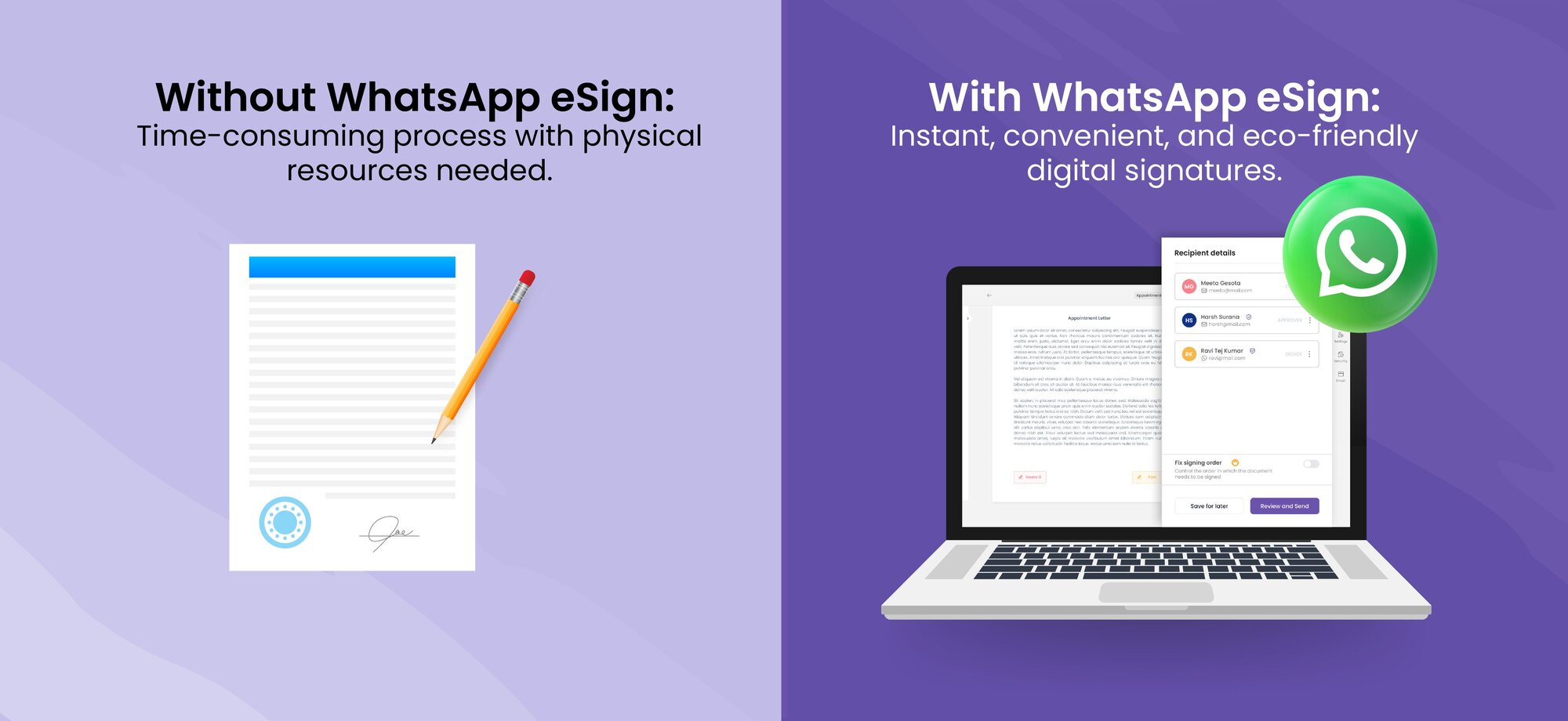
WhatsApp eSign is a revolutionary feature that allows users to get digital signatures via WhatsApp. It simplifies the process of obtaining signatures, making it as easy as sending a text message.
They can sign contracts and agreements on the go, without the need for physical documents.
Prescriptions can be signed and sent directly to the patient or pharmacy.
Legal documents can be signed and shared instantly, saving time and resources.
Important school forms and permission slips can be signed and returned in no time.
Using WhatsApp eSign is straightforward. Follow the steps below:
Yes
No